Choose your distractions.
In the Focussed app, pick the apps that steal your time. Instagram, TikTok, games, anything.
The physical app blocker for iPhone. Block apps anytime. Unblock only by scanning ORA.
−40%Waitlist price €26.99 €44.99
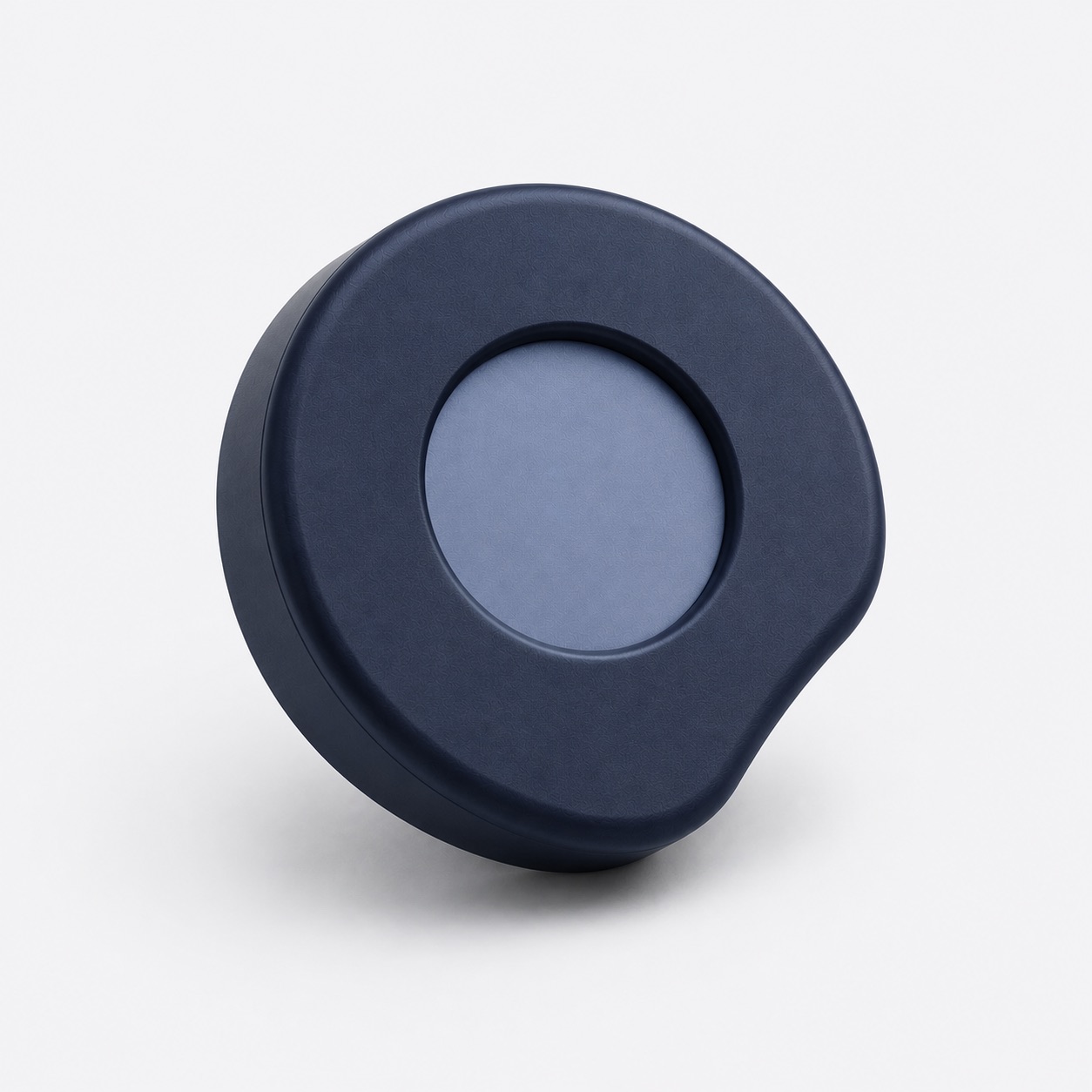
Your phone is designed to distract you. We're not.
These get blocked until you scan ORA.
In the Focussed app, pick the apps that steal your time. Instagram, TikTok, games, anything.
Start a block right in the app. Your chosen apps are gone until you decide otherwise.
Calls, messages and every other app keep working.
The only way back in is scanning ORA with your iPhone. Keep it in another room, and every unblock becomes a real decision.
More distance, more friction. That's the point.
A blocker app can be switched off from the couch. ORA can't. Leave it in another room, and getting an app back means getting up. That small walk is usually enough to break the reflex.
| ORA | Screen Time* | Blocker apps | Phone in a drawer | |
|---|---|---|---|---|
| Unblocking takes a physical step | ||||
| No one-tap override | Partly | |||
| Calls and messages still reach you | ||||
| Blocks only the apps you choose |
* Apple's built-in app limits, which offer an “Ignore Limit” option.
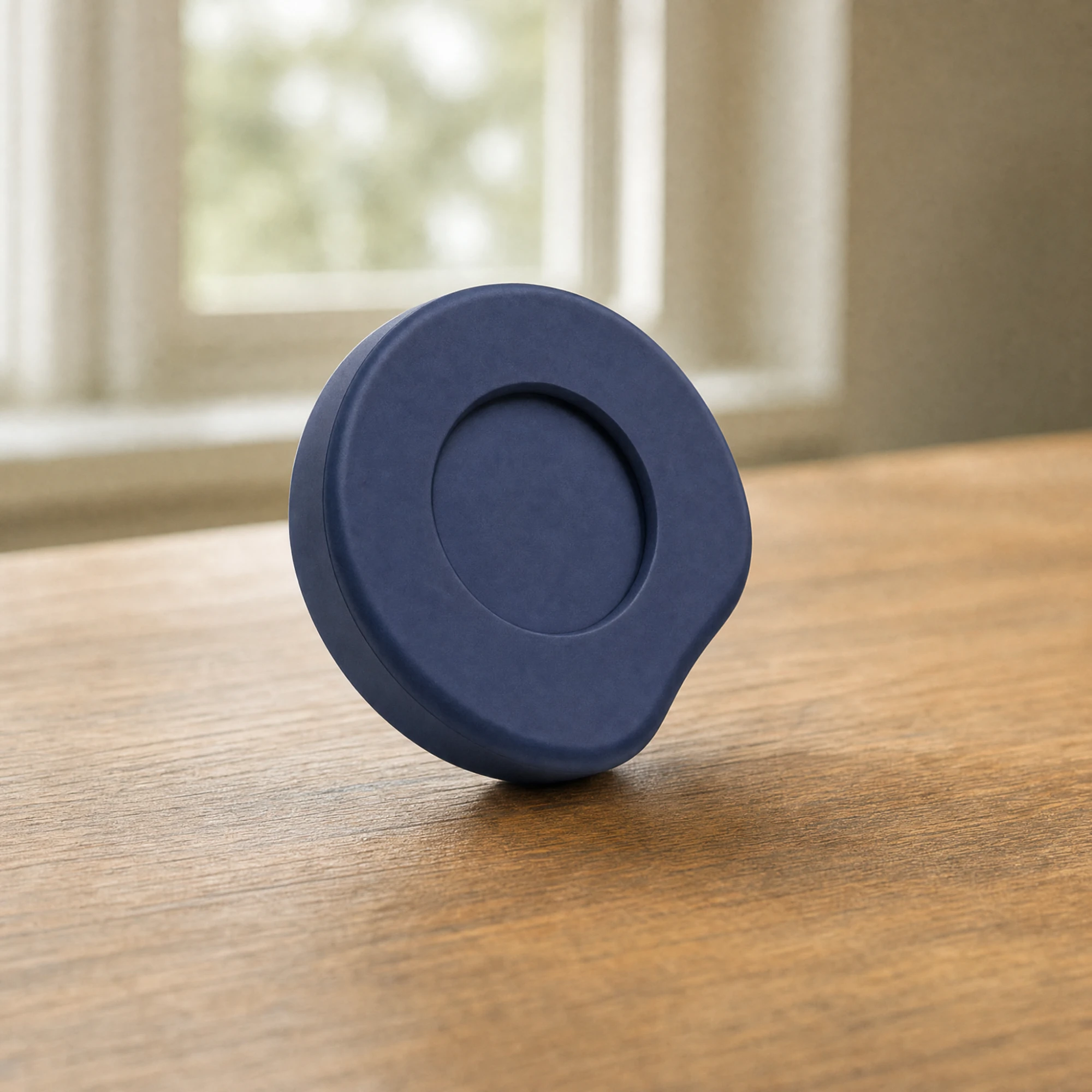
Hallway, kitchen, office. The further ORA is from you, the harder it is to give in.
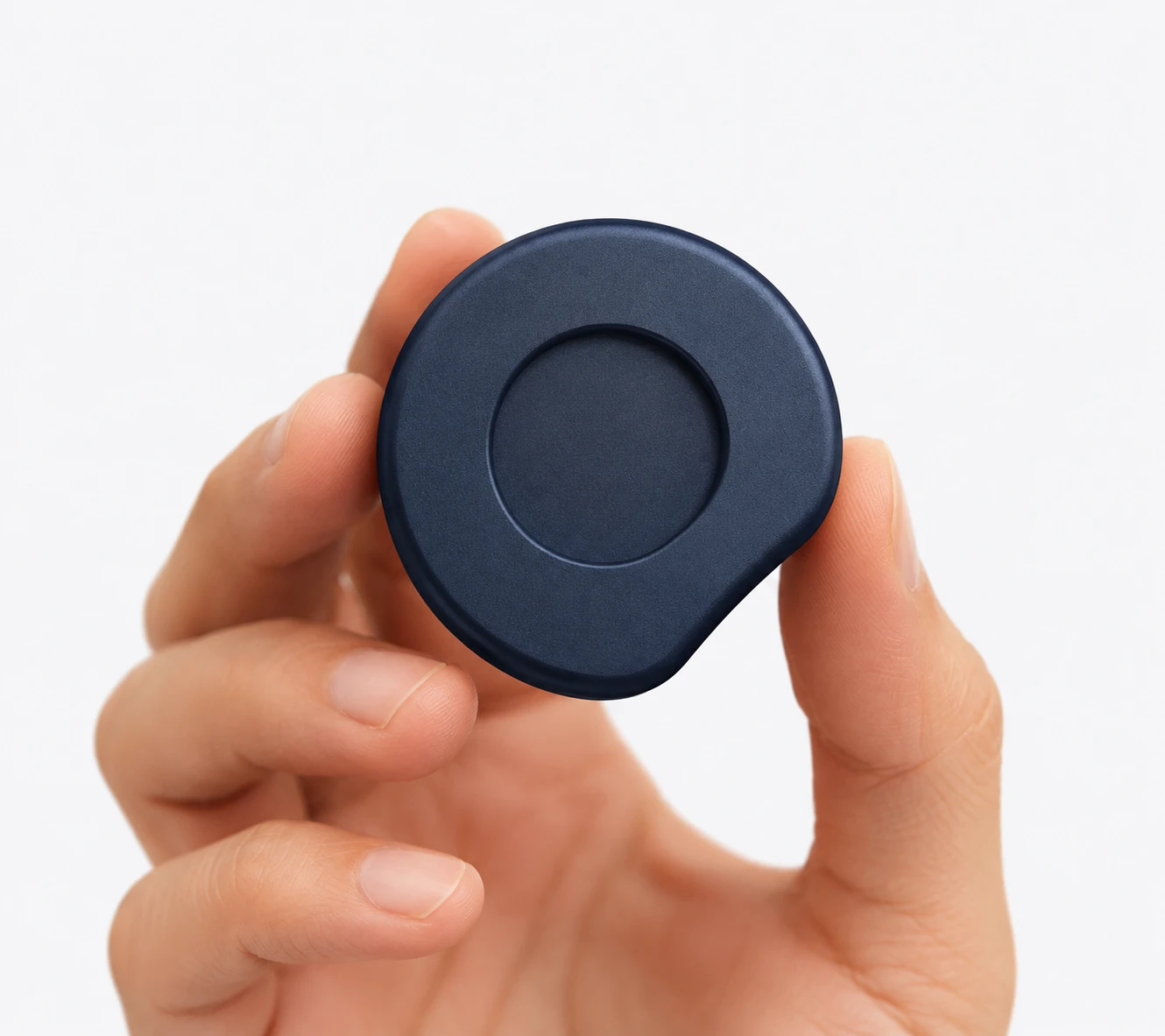
Nothing to charge, ever. Your iPhone powers every scan.
Works with iOS 16 or later and the Focussed app.
See the Waitlist Terms for details.
Block the apps that distract you in the Focussed app, whenever you want. To unblock them, you scan ORA with your iPhone. ORA contains an NFC chip, the same technology as contactless payment.
No. ORA has no battery. Your iPhone powers the scan, so there's nothing to charge or replace.
Yes. Only the apps you choose are blocked. Calls, messages and everything else keep working.
Any iPhone running iOS 16 or later, together with the Focussed app from the App Store.
Somewhere out of reach: another room, your bag, your office. The further away it is, the more effort an unblock takes, and the less often you'll want one.
Go to ORA and scan it. Your apps are back right away. The walk is the point: it turns a reflex into a decision.
Join the waitlist and confirm your email address. You then get 40% off ORA's regular price, €26.99 instead of €44.99, valid for six months from launch. Joining is free and doesn't commit you to buy. Full details are in the Waitlist Terms.
The launch date isn't set yet. Everyone on the waitlist hears about it first, by email.